









Article
Overview
Written by Backend Coders India
Common Technical SEO Issues in Business Websites
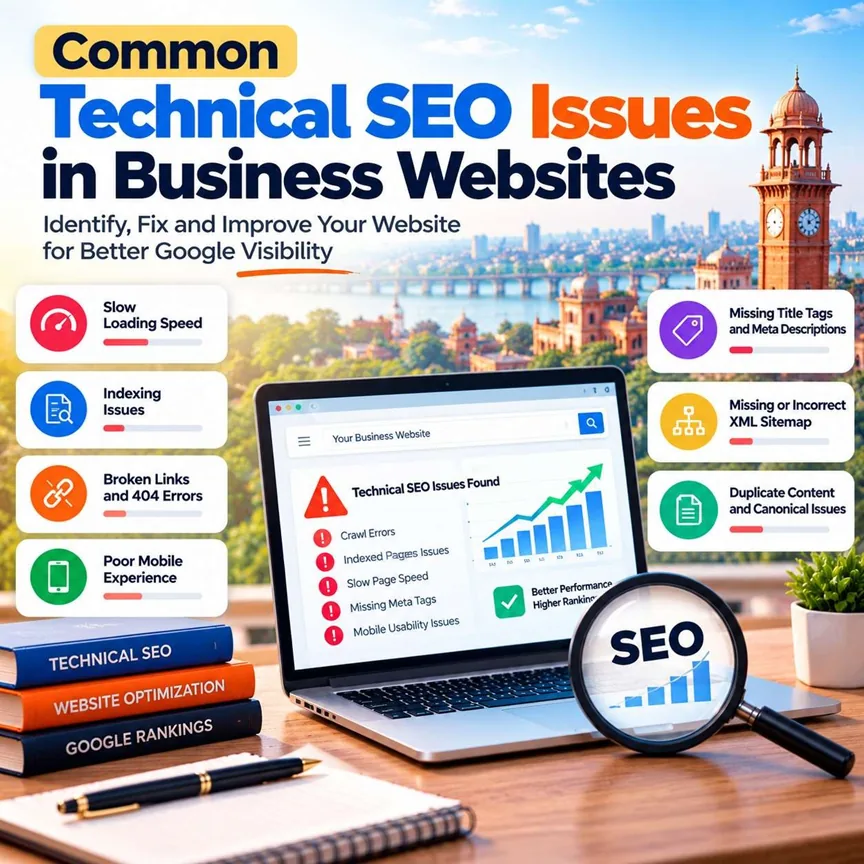
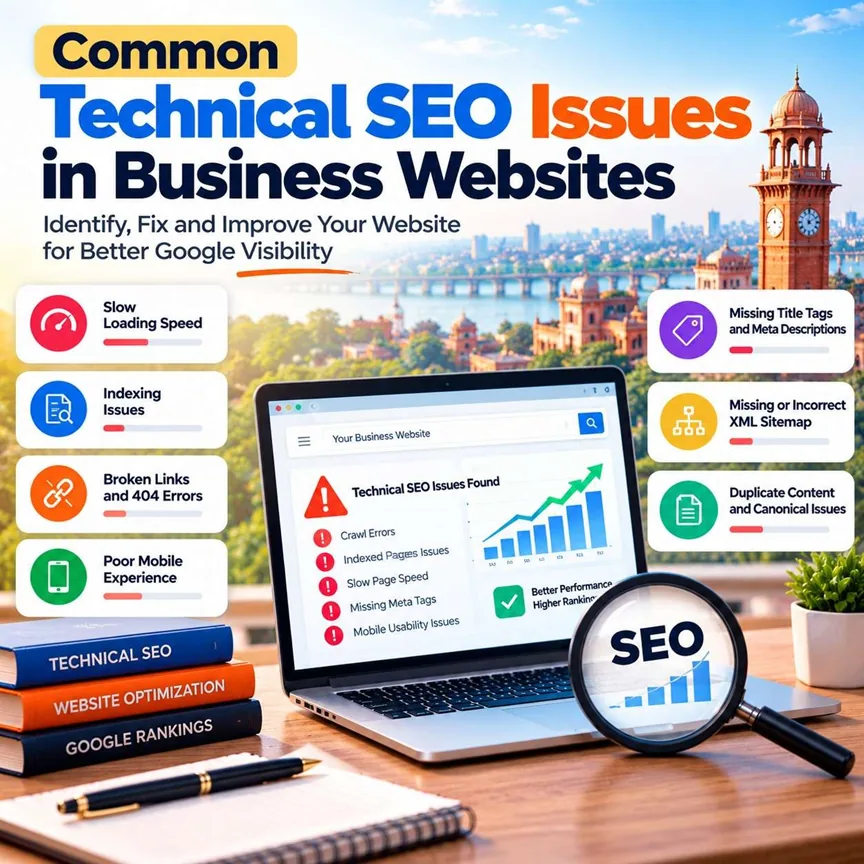
A business website is an important part of building an online presence. It helps customers learn about your services, understand your business and contact you. But even a well-designed website can struggle to appear on Google if it has technical SEO problems.
Technical SEO helps search engines find, crawl and understand your website. Fixing common issues can improve your website's accessibility, performance and overall SEO foundation.
In this guide, we will explain the most common technical SEO issues in simple language and show you how to fix them.
What Is Technical SEO?
Technical SEO means improving the technical structure of a website so search engines can access and understand its pages correctly.
It includes website speed, mobile performance, indexing, broken links, redirects, HTTPS, XML sitemaps and other important elements.
If these parts are not working correctly, Google may have difficulty discovering or indexing some of your pages.
7 Common Technical SEO Issues and How to Fix Them
1. Slow Website Loading Speed
A slow website can frustrate visitors. People may leave before your pages finish loading, especially when browsing on a mobile phone or a slow internet connection.
How to fix it:
- Compress large images.
- Use modern image formats such as WebP.
- Reduce unnecessary scripts and CSS.
- Enable browser caching where appropriate.
- Review your hosting and server response time.
Use Google PageSpeed Insights to identify performance problems and prioritise important fixes.
2. Website Pages Not Indexed by Google
Indexing allows eligible web pages to appear in Google Search. Sometimes important pages are not indexed because of technical settings or content-related issues.
Common causes include accidental noindex tags, blocked crawling, incorrect canonical tags and pages that Google considers unsuitable for indexing.
How to fix it:
- Open Google Search Console.
- Check the Page Indexing report.
- Inspect important URLs.
- Review robots.txt and meta robots settings.
- Correct canonical tags where needed.
Requesting indexing does not guarantee that Google will index a page, but it can help you submit a corrected URL for consideration.
3. Broken Links and 404 Errors
A 404 error appears when a requested page cannot be found. Broken links can make it harder for visitors to navigate your website and may prevent search engines from discovering important content.
How to fix it:
- Find broken internal links.
- Update links to the correct destination.
- Redirect permanently moved pages using suitable 301 redirects.
- Keep a 404 page that helps visitors find useful information.
- Avoid redirecting every missing URL to the homepage.
Check your website after changing URLs or publishing a new page.
4. Missing or Duplicate Title Tags and Meta Descriptions
Title tags help search engines and visitors understand what a page is about. Meta descriptions can provide a useful summary in search results, although Google may choose different text for its snippets. Missing, duplicated or unclear titles can make it harder to distinguish your pages.
Howtofix it:
- Write a unique, descriptive title for each important page.
- Create a useful meta description.
- Include relevant keywords naturally.
- Makesure the title accurately reflects the page content.
- Avoid repeating the same keyword unnecessarily.
5. Poor Mobile Website Experience
Manypeople search for businesses using mobile phones. If your website has tiny text, difficult navigation, overlapping content or buttons that do not work properly, visitors may struggle to use it.
Howtofix it:
- Use a responsive website design.
- Maketext easy to read on smaller screens.
- Ensure forms and buttons are usable.
- Optimise images for mobile devices.
- Test important pages on different screen sizes.
A mobile-friendly website helps customers access your information more easily.
6. Missing or Incorrect XML Sitemap
An XMLsitemap lists URLs that you want search engines to discover. A missing, outdated or incorrectly configured sitemap can make website maintenance and URL discovery more difficult.
Howtofix it:
- Generate an XML sitemap.
- Include the canonical URLs of important pages.
- Exclude URLs that should not be indexed.
- Update the sitemap when your website structure changes.
- Submit it through Google Search Console.
Remember, a sitemap helps Google discover pages but does not guarantee indexing or higher rankings.
7. Duplicate Content and Incorrect Canonical Tags
Duplicate or very similar pages can make it unclear which URL should be treated as the main version. This may happen when a website has multiple URL versions or creates similar pages for different purposes.
Howtofix it:
- Choose the preferred URL for each page.
- Use canonical tags correctly.
- Redirect duplicate URL versions when appropriate.
- Keep internal links consistent.
Write useful, distinct content for pages that serve different purposes.
HowtoCheckYourWebsite for Technical SEO Issues
You donot need to start with expensive tools. These free tools can help you identify common problems:
Google Search Console: Check indexing, search performance and URL inspection.
Google PageSpeed Insights: Review loading speed and Core Web Vitals.
Google Rich Results Test: Test supported structured data for rich results.
Your browser: Check whether important pages, links and forms work correctly.
Start with issues that prevent important pages from being accessed or indexed. Then work on speed, mobile usability and other improvements.
WhyTechnical SEO Matters for Businesses in Kanpur
Businesses in Kanpur need websites that are easy for customers to use and easy for search engines to understand. Whether you provide software development, education, retail or professional services, technical problems can weaken your website's SEO foundation.
A regular technical SEO audit can help identify errors before they become larger problems. Combine these checks with helpful content, relevant keywords, a clear website structure and trustworthy backlinks. to learn more aboutour services.
If you need support with website optimisation, technical SEO or digital growth, visit Backend Coders India
Final Thoughts
Technical SEO is not a one-time task. Websites change as pages are added, content is updated and software is upgraded. Regular checks can help you identify broken links, indexing problems, slow pages and other technical issues.
Fix the most important problems first, monitor your results and continue improving your website. A strong technical foundation supports a better user experience and gives your wider SEO strategy a better chance to succeed.


